
Short verdict: Choose Visual Paradigm Desktop for complex, formal modeling and software-engineering work. Choose Visual Paradigm Online for browser-based diagramming, quick visual work, and collaboration. If you need both, they can work together through Visual Paradigm’s unified workspace and connected accounts.
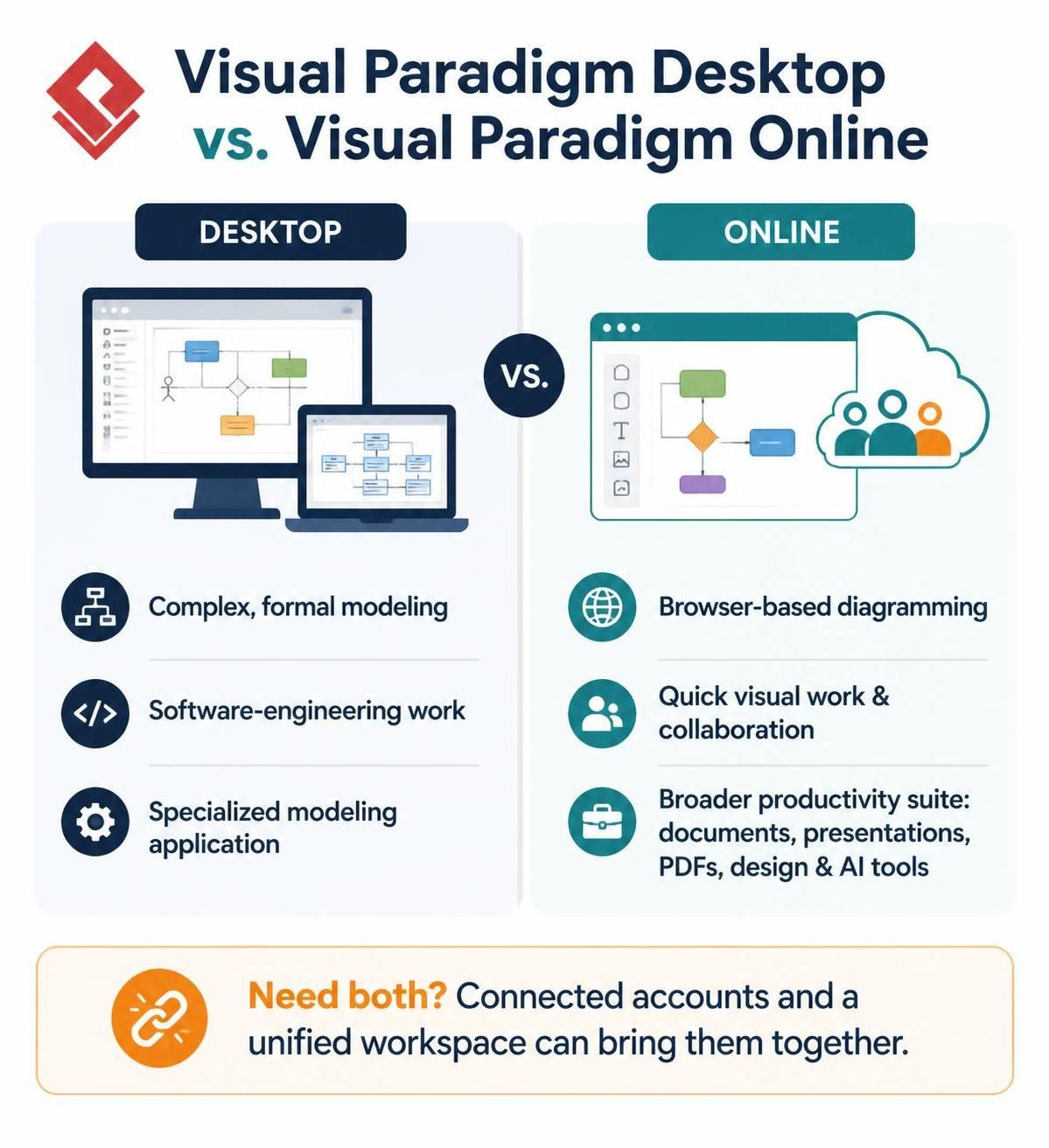
One important distinction: VP Online isn’t just a browser version of Desktop. It also includes a broader online productivity suite—such as document, presentation, PDF, design, and AI tools—alongside diagramming. Desktop is the more specialized modeling application.
| Area | Visual Paradigm Desktop | Visual Paradigm Online |
|---|---|---|
| Best for | In-depth modeling and engineering: UML, BPMN, SysML, architecture, databases, requirements, and code-related work | Browser-based diagramming, visual content, quick tasks, and sharing work with others |
| Where it runs | Installed application for Windows, macOS, and Linux | Web browser; no desktop installation required |
| Modeling depth | Better fit for large, structured projects and workflows that depend on a comprehensive model repository | Good for creating and sharing diagrams online; the full online suite also supports other visual and office-style tasks |
| Collaboration | Can connect with an online workspace or teamwork repository; local work is also an option | Built around cloud access, concurrent collaboration, comments, and version history |
| Offline use | Can support local work, though online-dependent features won’t be available offline | Requires internet access |
| Getting started | Requires downloading and installing the app; a 30-day trial is offered | Start in a browser; the Online site offers a free-start option |
| Best fit | Modelers, analysts, architects, and developers doing sustained technical work | Teams, educators, and occasional users who value easy access and sharing |
Desktop’s positioning as a deep modeling and engineering environment is reflected in its coverage of formal modeling and code-engineering tasks. VP Online emphasizes browser access and collaborative creation, and its online suite includes far more than diagramming. Desktop has a 30-day free trial and is available for Windows, macOS, and Linux.
Strengths and trade-offs
Desktop’s main strength is depth. It’s the stronger choice when diagrams are part of a connected model or engineering workflow, rather than standalone visuals. The trade-off is that it requires installation and may be more than you need for occasional flowcharts or diagrams. Some team and cloud-connected capabilities depend on an online workspace.
Online’s main strength is accessibility. You can work from a browser and collaborate with others without asking everyone to install the desktop application. It’s also more versatile if your needs extend to documents, presentations, PDFs, charts, or design work. The trade-offs are internet dependence and a less natural fit for work that relies on Desktop’s deeper modeling environment.
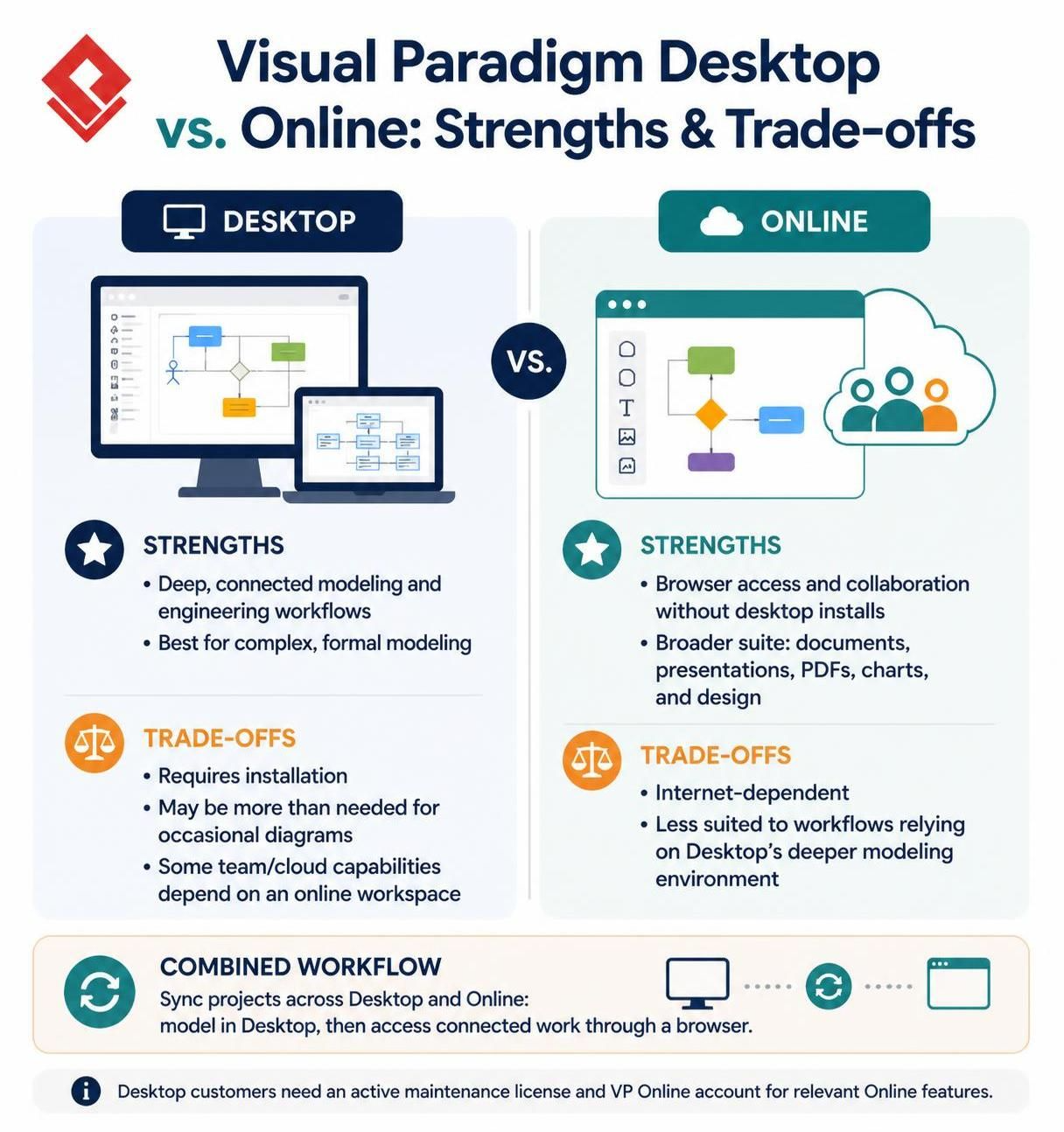
The combined workflow is a real advantage: Visual Paradigm describes syncing projects across Desktop and Online, so users can do detailed modeling in the desktop app and access connected work through a browser. Desktop customers need an active maintenance license and a VP Online account to access the relevant Online features.
Pricing and licensing
Visual Paradigm’s current pricing page lists Desktop subscription prices of US$6/month for Modeler, US$19/month for Standard, US$35/month for Professional, and US$89/month for Enterprise; some plans are billed in multi-month periods, so those figures aren’t necessarily monthly-payment amounts. The page also says a Desktop purchase includes access to certain VP Online features, subject to the license and account conditions.
VP Online has its own plans and products, so don’t assume that an Online subscription and a Desktop license include exactly the same features. Check the plan details for the specific tools you need before buying. The vendor also offers a free Community edition of Desktop for non-commercial use.
Which should you choose?
-
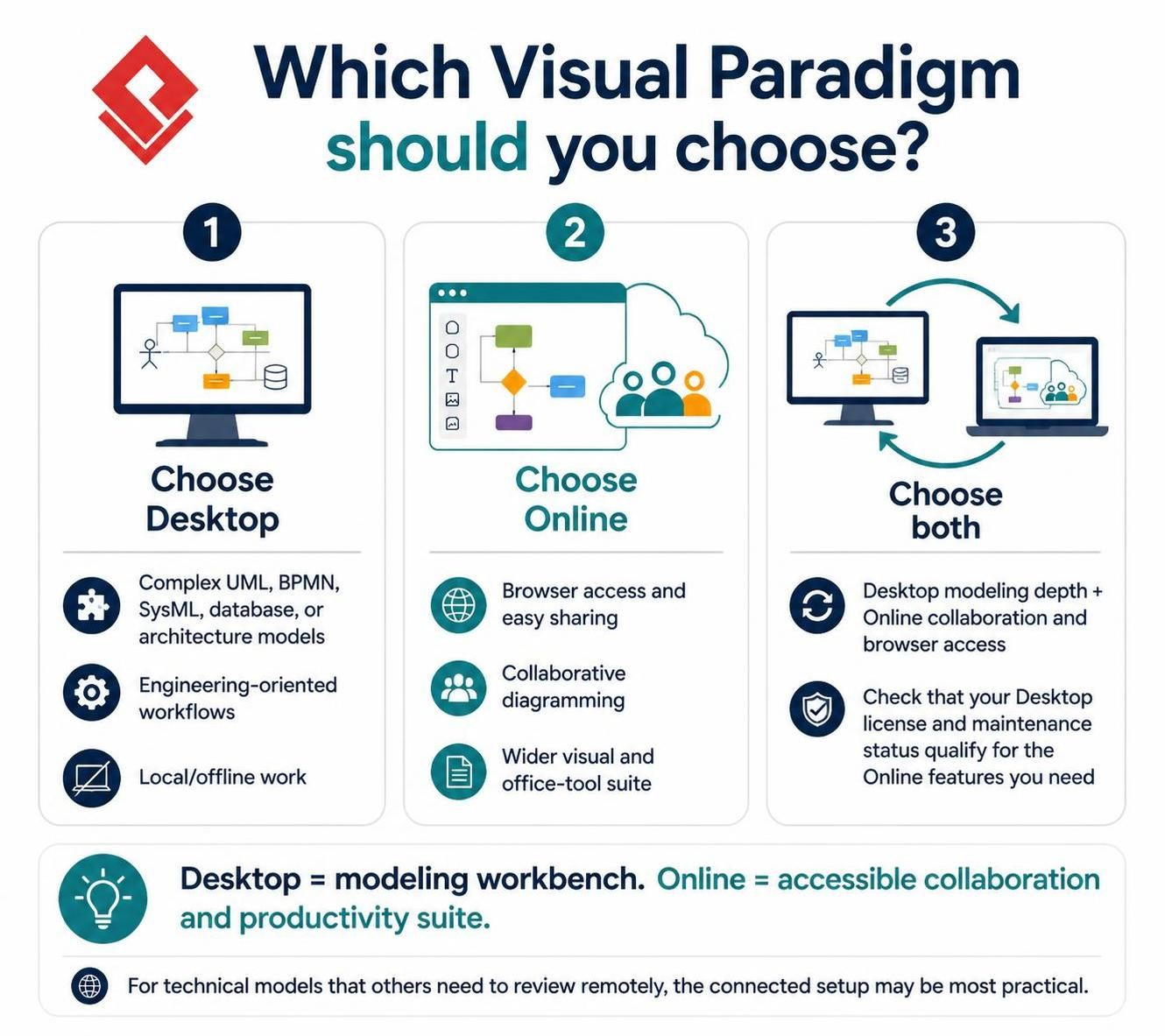
Choose Desktop if you’re building or maintaining complex UML, BPMN, SysML, database, or architecture models; need engineering-oriented workflows; or want local/offline work.
-
Choose Online if your priority is browser access, easy sharing, collaborative diagramming, or a wider suite of visual and office tools.
-
Choose both if you need Desktop’s modeling depth and Online’s collaboration or browser access—and verify that your Desktop license and maintenance status qualify for the Online features you want.
Bottom line: Desktop is the better modeling workbench; Online is the better accessible collaboration and productivity suite. For technical modeling that others need to review or access remotely, the connected setup may be the most practical choice.